How to Start Streaming Games as a Beginner
Every night, millions of people watch other people play video games — and a growing number of those viewers are thinking, "I could do that." They are right to think it. Streaming has never been more accessible: the phone in your pocket can broadcast to YouTube or TikTok Live in about ten minutes of setup, and free software like OBS Studio gives a modest PC broadcast quality that once required a production studio. Across South Asia in particular, mobile game streaming has exploded, with creators building real audiences — and real incomes — from PUBG Mobile, Free Fire and BGMI streams run entirely from a phone.
But accessibility is not the same as simplicity, and most beginners quit in the first month because they started with the wrong expectations, the wrong platform for their goals, or a setup that fought them every stream. This guide fixes that. We will walk through choosing the right platform, building a workable setup whether you have a phone or a PC, the free tools that do 90% of the job, what your internet connection actually needs to deliver, the microphone and camera basics that separate watchable streams from unwatchable ones, practical growth tactics for your first hundred followers, and — honestly — what to realistically expect in your first year.
Choosing Your Platform: YouTube, Twitch or TikTok Live
Where you stream shapes everything: your audience size, how viewers find you, and how you eventually earn money. There is no universally "best" platform — there is only the best platform for your situation.
YouTube: The Long-Game Platform
YouTube is the strongest choice if you think in terms of years rather than weeks. Two advantages are decisive. First, discoverability: YouTube is a search engine, and a well-titled stream or highlight video can be found months after you go live — Twitch and TikTok content effectively dies when the broadcast ends. Second, dual income paths: live streams plus edited videos (highlights, guides, funny moments) feed each other, and YouTube's Partner Program pays for both. The tradeoff is slower initial growth; YouTube's algorithm takes time to learn who your audience is, and new streamers often broadcast to single-digit viewers for weeks. Requirements to monetize are concrete: 1,000 subscribers and 4,000 watch hours (or 10 million Shorts views) in the last 12 months. If your goal is a sustainable creator career, start here.
Twitch: The Community Platform
Twitch remains the spiritual home of live streaming — the culture, the emotes, the raids, the clip ecosystem. Its audience is the most "live-native": Twitch viewers show up for the stream itself, not just the game. Monetization starts earlier than YouTube (Affiliate status at 50 followers and modest averages unlocks subscriptions and bits), and the community tools are the best in the business. The brutal honest truth: discoverability for new streamers on Twitch is the worst of the three. The directory is dominated by established names, and without an external audience to bring in, growth is glacial. Twitch makes the most sense if you already have a community elsewhere, or if you love the live-interaction culture and are patient.
TikTok Live: The Fast-Growth Wildcard
TikTok Live (and its cousins like Facebook Gaming and regional apps) offers what the other two do not: algorithmic discovery for live content. A new streamer can genuinely be pushed to hundreds of viewers in their first week if the content hooks people — something that essentially never happens on Twitch and rarely on YouTube. The audience skews younger and more casual, sessions are shorter, and converting TikTok viewers into a durable community off-platform takes deliberate work. Monetization runs through gifts and diamonds rather than ads, which is volatile. Best use: TikTok Live as a discovery engine feeding a YouTube channel where your real community lives. Many successful mobile streamers in South Asia run exactly this two-platform strategy.
The pragmatic beginner answer: stream on YouTube for the long term, use TikTok Live or Shorts for discovery, and ignore Twitch until you have an audience to bring there. You can always expand later; you cannot get back the months spent on a platform mismatched to your goals.
Your Setup: Phone Streaming vs PC Streaming
You do not need a gaming PC to start. Decide based on what you already own and what you play.
Streaming From a Phone
If you play mobile games — PUBG Mobile, Free Fire, Mobile Legends, COD Mobile — streaming from the phone itself is the natural path, and it is how most South Asian creators started. YouTube's mobile app supports live streaming directly once your channel is verified and has no live-stream restrictions (note: YouTube requires a minimum subscriber count for mobile live streaming in some regions — check your app's current requirement). TikTok Live has its own follower threshold for going live, which varies by region. For a step up in quality, apps like Streamlabs Mobile or Prism Live let you add overlays, alerts and a facecam window from the phone itself. Practical essentials: a phone stand or tripod (shaky handheld footage is unwatchable), a charger plugged in (streaming drains battery fast and throttles performance when hot), and a quiet room. A 300-rupee earphone mic beats a phone's built-in microphone at arm's length every time.
Streaming From a PC
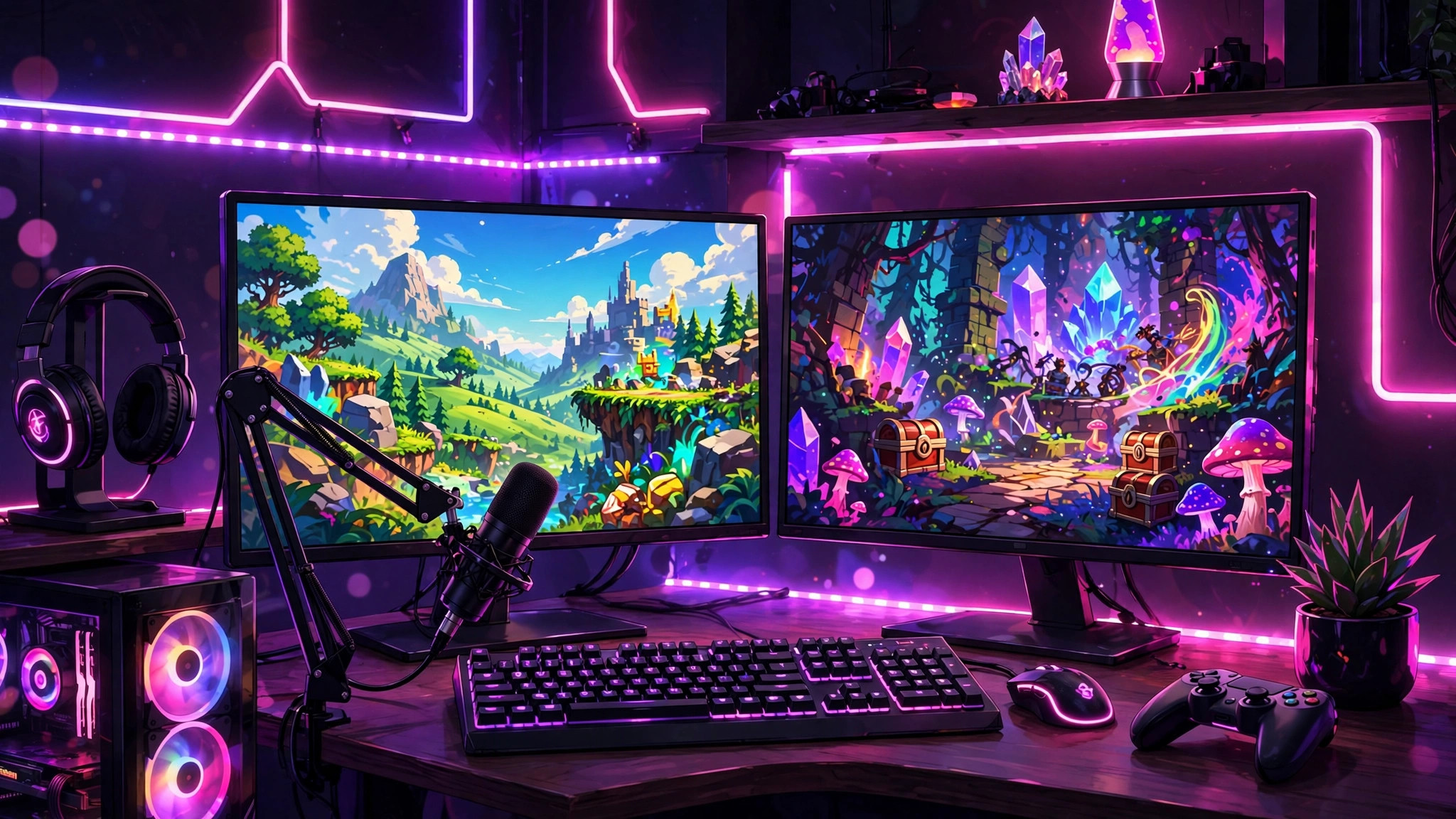
A PC setup suits PC/console games and anyone who wants production quality: multiple scenes, animated overlays, proper alerts, chat on a second monitor. The minimum viable PC is more modest than people think — a machine that can run your game and encode video simultaneously. For most games at 720p, a mid-range CPU from the last five years with hardware encoding (NVIDIA NVENC or AMD/Intel Quick Sync) is enough; the hardware encoder is the key, because it offloads streaming from your CPU. Capture cards enter the picture only if you are streaming console gameplay to a PC. Start simple: one monitor works (game fullscreen, chat on your phone), two is comfortable. Do not buy equipment before your tenth stream — prove the habit first, then invest.
Free Software: OBS Studio Does Almost Everything
OBS Studio is free, open-source, and the industry standard — it is what most professional streamers use, and it costs nothing. The learning curve is a single afternoon. The core concepts: Sources (your game capture, webcam, microphone, images), Scenes (arrangements of sources — e.g., "Starting Soon," "Live Gameplay," "Be Right Back"), and the encoder settings that determine your stream quality. For beginners: use Game Capture or Window Capture for the game (never Display Capture — it leaks notifications), add your mic as an Audio Input Capture, and set your output to 720p at 30fps to start. You can raise quality later; stability beats resolution in month one.
Two free companions round out the toolkit. StreamElements or Streamlabs (the web dashboard, not necessarily the app) give you free on-screen alerts — follower notifications, donation popups, chat overlays — that make a stream feel alive. And for editing highlights into YouTube videos or Shorts, CapCut (free) or DaVinci Resolve (free tier) cover everything a beginner needs. Total software cost to reach a professional-looking setup: zero. Spend money only after revenue or a committed audience justifies it.
Internet Requirements: Upload Speed Is Everything
Streaming is one of the few things where your upload speed matters more than download, and this is where many beginners in regions with asymmetric connections get burned. The numbers: a stable 720p/30fps stream needs roughly 3–5 Mbps of sustained upload; 1080p/60fps wants 8–12 Mbps. "Sustained" is the operative word — a speed test showing 10 Mbps means nothing if it drops to 2 Mbps every evening when your neighborhood comes online. Test at your actual streaming hours for a week before committing to a schedule.
Practical rules: always stream on a wired Ethernet connection if you have a PC — Wi-Fi jitter is the number one cause of dropped frames. On mobile data, 4G can work for 720p but watch your data cap: streaming consumes roughly 1–2GB per hour. If your upload cannot hold 720p reliably, drop to 480p without shame — a stable 480p stream keeps every viewer; a stuttering 1080p stream keeps none. And close everything that uploads in the background: cloud backups, photo syncs and game updates will murder a marginal connection mid-stream.
Microphone and Camera Basics
Viewers forgive bad video. They do not forgive bad audio. This is the most repeated advice in streaming because it is the most true. A 30-dollar USB microphone (or even a decent headset mic) positioned close to your mouth, with OBS's free noise-suppression filter enabled, produces audio that sounds professional. The free filters in OBS — noise suppression, noise gate, compressor — do genuinely heavy lifting; fifteen minutes of tuning beats any hardware upgrade at the beginner level. Test by recording yourself and listening back on earphones, not speakers.
For cameras: you do not need one to start. Many successful streamers are faceless, especially in mobile gaming. If you do add a facecam, a phone used as a webcam (via free apps) or any 1080p webcam is fine — but light your face. A lamp or window in front of you (never behind) matters more than camera quality; backlit streamers look like silhouettes regardless of equipment. Frame yourself from the chest up, keep the background tidy or use a subtle blur, and remember the camera is a commitment: once viewers know your face, the parasocial bond deepens, which is good for growth and worth considering deliberately.
Growing From Zero: Beginner Tactics That Actually Work
- Pick one game, one schedule. "Variety streamer" is a luxury of the established. New viewers find you through a game they love; stream it on a predictable schedule (e.g., 8–11pm, four nights a week) so they can return. Consistency beats marathon sessions — three focused hours, four times a week, beats one exhausting twelve-hour stream.
- Talk even when nobody is watching. The hardest skill in streaming is narrating to zero viewers. Do it anyway: commentate your decisions, react out loud, read chat the moment anyone types. VODs of silent gameplay get no replays; VODs with energy get discovered.
- Turn streams into Shorts. Every stream contains 3–5 clip-worthy moments. Edit them into vertical Shorts/Reels/TikToks the next morning. This is the single highest-ROI growth habit for a new streamer — short-form is your discovery engine, long-form is your community home.
- Engage horizontally. Watch and genuinely participate in 2–3 streams at your level (not the mega-channels). Streamers raid and recommend people they know. Community is a two-way street, not a promotion channel — never self-promote in someone else's chat.
- Name streams like search queries. "PUBG Mobile LIVE 🔴 Road to Conqueror | Day 12" tells YouTube's algorithm and potential viewers exactly what this is. Vague titles ("chill stream vibes") are invisible to search.
- Track one metric: returning viewers. Follower counts can be gamed by luck; the percentage of viewers who come back next stream tells you whether the content is actually good. Improve that number and everything else follows.
Realistic Expectations: The Honest Timeline
Here is what the highlight reels do not show. Months 1–3: you will stream to 0–5 viewers most nights, and some streams will have literally no one. This is normal, not failure — every creator you admire went through it. Months 3–6: with consistent scheduling and short-form clipping, breaking into double digits regularly is a realistic, healthy milestone. Months 6–12: this is where paths diverge. Some streamers hit a few hundred concurrent viewers and unlock real monetization; most plateau and either find their niche joy in a small loyal community or burn out chasing numbers.
The honest economics: meaningful income (enough to matter against a day job) typically takes 12–24 months of consistent work for the minority who get there at all. Treat streaming as a passionate hobby with upside, not a lottery ticket. The creators who survive are the ones who would stream to five people and still have fun — because for the first year, that is exactly what you will be doing. Set process goals (stream 4x weekly, post 5 Shorts weekly) rather than outcome goals (1,000 followers by March), and judge yourself on the work, not the numbers.
Frequently Asked Questions
Can I start streaming with just a phone?
Yes — it is how most mobile game streamers begin. You need a phone stand, a charger, a quiet room and the YouTube or TikTok app (both have live-streaming features, subject to account requirements in your region). Free apps like Prism Live add overlays and facecam if you want them.
How much upload speed do I need to stream?
Plan for 3–5 Mbps of sustained upload for 720p/30fps, or 8–12 Mbps for 1080p/60fps. Test at your actual streaming hours, use wired Ethernet on PC, and drop to 480p rather than stream an unstable higher resolution.
Is OBS Studio really free?
Completely free and open-source, with no watermark or feature limits. It is the standard tool professionals use. Pair it with free alert services like StreamElements and you have a broadcast-grade setup for zero cost.
How long until I can earn money from streaming?
Realistically, 12–24 months of consistent streaming and content creation before income becomes meaningful — and only for a minority of creators. YouTube requires 1,000 subscribers and 4,000 watch hours for ad revenue; treat early streaming as a hobby with upside, not a job replacement.