What Is Cloud Gaming? A Plain-English Explanation
Imagine playing the latest blockbuster game — the kind that normally demands a expensive graphics card — on a five-year-old laptop, a cheap tablet, or even your phone. No downloads, no installations, no hardware upgrades. You press play and you are in the game within seconds. That is the promise of cloud gaming, and unlike many tech promises, this one actually works — with some important caveats you should understand before you get excited.
Cloud gaming has been hyped, declared dead, and hyped again over the past decade. In 2026 it has settled into something real and useful: not a replacement for gaming PCs and consoles, but a genuine alternative for millions of players. This guide explains the technology in plain language, compares the major services and how they differ, tells you exactly what internet connection you need, covers which devices work, and gives you the honest pros, cons, and limitations — so you can decide whether cloud gaming fits your life.
How Cloud Gaming Actually Works
Forget the marketing. The concept is simple: the game runs on a powerful computer far away, and you interact with it over the internet.
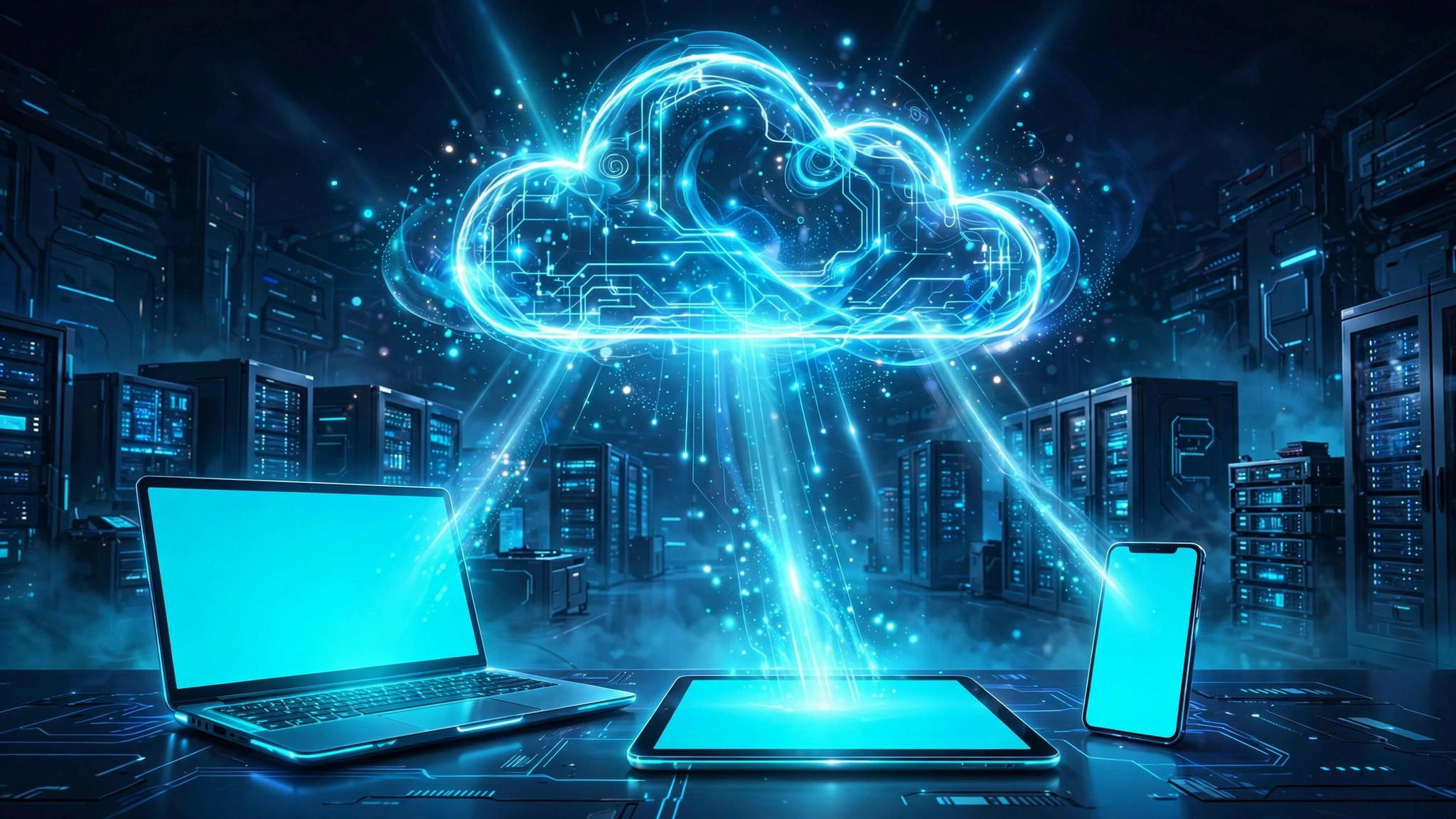
Here is what happens when you press a button in a cloud gaming session. Your controller or keyboard input travels from your device to a data center — a warehouse full of gaming-grade servers — which may be tens or hundreds of kilometers away. There, the game is running in real time on server hardware far more powerful than your device. The server renders the next frame of the game, compresses it like a video stream, and sends it back to your screen. Your device is essentially playing an interactive video: you see the game, you send inputs, and the loop repeats dozens of times per second.
Think of it like streaming a movie, except the movie responds to you. The entire round trip — input up, video down — needs to happen fast enough that your brain does not notice the delay. That round trip is called latency, and it is the single most important number in cloud gaming. Everything about the technology, the business, and the experience revolves around keeping latency low.
This architecture explains both the magic and the limits. The magic: your device does almost no work, so a basic laptop can display games rendered by hardware costing thousands of dollars. The limits: you are always at the mercy of your internet connection, and some delay is physically unavoidable — information cannot travel faster than the infrastructure allows.
The Major Services and How They Differ
Cloud gaming is not one product. The major services take fundamentally different approaches, and choosing wrong means paying for the wrong thing.
GeForce Now: Bring Your Own Games
NVIDIA's GeForce Now is built around games you already own. You link your existing PC game store accounts, and the service lets you stream those games from NVIDIA's servers. The free tier exists with session limits and queues; paid tiers buy you priority access, longer sessions, and more powerful server hardware with better graphics settings. The strength of this model is obvious: your library carries over, and you are not renting access to a separate catalog. The weakness is that not every game is supported — publishers opt in, and some big names stay out. If you already own a stack of PC games but your hardware is aging, this is usually the most sensible starting point.
Xbox Cloud Gaming: The Subscription Library
Microsoft's Xbox Cloud Gaming takes the Netflix-style approach: a monthly subscription unlocks a rotating library of games you stream instantly. It is bundled with the broader Xbox subscription ecosystem, which also includes console and PC game libraries, so the value proposition extends beyond streaming alone. The catalog is curated rather than comprehensive — excellent for discovering games, less ideal if you want one specific title that is not included. It shines on mobile and browser play, and it is arguably the simplest on-ramp: one subscription, no game purchases needed, play anywhere.
Other Options Worth Knowing
Several other services fill niches. Some are tied to specific console ecosystems, letting you stream games you own on that platform to other devices in your home or on the go. Others target specific regions with local data centers that dramatically improve latency for nearby players. A few focus on casual and mobile-style games with minimal requirements. The pattern to recognize: every service is either "stream games you own" or "stream from our subscription library," and your existing game library should decide which model fits you. Someone with 200 owned PC games and someone who owns zero games need completely different services.
Internet Requirements: The Numbers That Matter
This is the section most guides gloss over, and it is the one that determines whether cloud gaming works for you at all.
| Quality target | Recommended download speed | What you get |
|---|---|---|
| Minimum playable | 15–25 Mbps | 720p, noticeable compression, fine for casual games |
| Comfortable HD | 35–50 Mbps | 1080p at 60fps, good for most genres |
| Premium | 75+ Mbps | 1440p/4K options, highest frame rates, best visuals |
But speed is only half the story. Latency matters more. For cloud gaming you want total round-trip latency under about 60 milliseconds for casual games, and under 30–40ms for fast-paced shooters or fighting games. Latency depends mostly on your physical distance to the nearest data center and the quality of your connection — fiber beats cable, cable beats DSL, and wired Ethernet beats Wi-Fi every single time.
Stability matters as much as speed. A connection that averages 100 Mbps but drops packets every few seconds will feel worse than a stable 40 Mbps line. Packet loss shows up as stuttering, frozen frames, and inputs that vanish. Before subscribing to anything, test your connection at different times of day — evening congestion on shared neighborhood networks is the most common real-world problem.
Finally, watch your data usage. Streaming games at 1080p consumes roughly 10–15 GB per hour; 4K streaming can exceed 20 GB per hour. A few long sessions can blow through a capped mobile data plan in days. Cloud gaming is a creature of unlimited home broadband — on metered connections, track usage carefully.
Device Compatibility: What You Can Play On
One of cloud gaming's genuine triumphs is device flexibility. Because the heavy lifting happens remotely, the requirements on your end are modest: a screen, an internet connection, and a way to send inputs.
- Windows and Mac computers work through browsers or dedicated apps — this is where the experience is typically best, with full keyboard, mouse, and controller support.
- Smartphones and tablets (Android and iOS) run cloud games through apps or mobile browsers. Touch controls work for some genres; for anything serious, pair a Bluetooth controller.
- Smart TVs increasingly ship with cloud gaming apps built in, turning the television into a console with no console — add a controller and you are set.
- Streaming sticks and set-top boxes offer a cheap path to big-screen cloud gaming for households that already own one.
- Low-end laptops and Chromebooks are arguably the biggest winners: devices that could never run modern games natively become fully capable gaming machines.
The practical advice: use the biggest screen and the most stable connection available to you. Cloud gaming on a phone over mobile data is a fun demo; cloud gaming on a laptop over home fiber with a proper controller is a legitimate primary way to play.
Cloud Gaming vs Local Hardware: Honest Pros and Cons
Let us compare fairly, because both sides have real advantages.
Where cloud gaming wins:
- Zero hardware cost. No expensive graphics card, no console purchase, no upgrades. The entry price is a subscription or nothing at all.
- Instant access. No 100 GB downloads, no install waits, no patches — click and play in under a minute.
- Play anywhere. Start on your laptop, continue on your phone, finish on the TV. Your saves follow you.
- Always top-tier performance. Server hardware is upgraded by the provider; you never face the "my PC can't run this" problem again.
- Try before you buy. Streaming demos or subscription libraries make experimenting with new games nearly free.
Where local hardware wins:
- Latency. Local play responds in single-digit milliseconds. Cloud adds unavoidable network delay — imperceptible in strategy games, mildly annoying in shooters, disqualifying for competitive esports.
- Visual quality. Video compression softens fine detail, especially in dark scenes or fast motion. A locally rendered game at the same resolution looks sharper.
- Ownership. Games you buy locally are yours. Subscription libraries rotate; games leave. "Bring your own game" services depend on publisher agreements that can change.
- Offline play. No internet, no cloud gaming. Local hardware works on airplanes, in rural areas, and during outages.
- Modding and tweaking. The PC modding scene, custom settings, and enthusiast tweaks largely do not exist in streamed sessions.
The Honest Limitations Nobody Advertises
Marketing presents cloud gaming as the inevitable future. Here is the fine print.
Competitive multiplayer suffers. In ranked shooters, fighting games, and rhythm games, the extra latency is a genuine competitive disadvantage. Casual matches are fine; serious competition is not. If your main game is competitive, cloud should be a backup, not your primary setup.
Your library is never fully safe. Licensing disputes have pulled games from streaming services with little warning. Digital ownership is already conditional; streamed access is doubly so. Do not build your entire gaming life on one service's catalog.
Regional availability is uneven. Data centers cluster in wealthy regions. If you live far from one, latency may make the whole proposition unworkable regardless of your internet speed. Always trial the free tier before paying — geography is the variable no marketing page will warn you about.
It does not save money for everyone. Years of subscriptions add up. A budget gaming PC or a used console, bought once, can be cheaper over a typical five-year lifespan than a premium cloud tier — and you own the hardware at the end. Do the math for your situation instead of assuming streaming is cheaper.
Who Should Try Cloud Gaming?
Cloud gaming is genuinely excellent for specific people: casual players who game a few hours a week, students with laptops but no budget for hardware, households that want gaming on the living-room TV without buying a console, travelers who want their library on the road, and anyone curious about a game before committing to a purchase or a PC build. It is a poor fit for competitive players, rural players far from data centers, modding enthusiasts, and anyone with metered or unstable internet.
The smartest move in 2026 is to treat cloud gaming as an addition, not a religion. Try the free tiers. Measure your latency honestly. Play your favorite genres and trust your own senses over any review. For millions of players, the verdict will be that it is not perfect — and that it does not need to be. Good enough, instant, and cheap is a combination that earns its place.
Frequently Asked Questions
Do I need a powerful computer for cloud gaming?
No — that is the whole point. Any modern device that can stream video smoothly can run cloud games. A basic laptop, a phone, or a smart TV is enough; the server provides the power.
Can I play my existing game library through the cloud?
It depends on the service. "Bring your own game" services like GeForce Now support many titles from major PC stores, but publisher participation varies, so check whether your specific games are supported before subscribing.
Is cloud gaming good for online multiplayer?
Casual multiplayer works well, but competitive ranked play is compromised by added latency. You will be at a disadvantage against players on local hardware in reaction-time-critical games.
What happens to my games if a service shuts down?
With subscription-library services, access ends — you never owned the games. With bring-your-own-game services, you keep your store purchases and can play them locally or on another service. This is a real risk worth weighing before investing heavily in one ecosystem.